






Introducing Palette: From Consumer Trends to Packaging Concepts with AI
By QloudX
Consumer preferences can shift quickly, while the path from market signal to packaging concept still runs through research, briefs, agencies and rounds of design. That work can be costly and slow, and useful context can get lost between handoffs.
Palette connects market exploration, an AI-assisted creative brief, packaging concepts and human review in one workflow. It is more than an image generator: it helps FMCG teams carry a selected market direction into editable design guidance and concepts they can assess against the product, audience and brand. Teams remain in control of the final choice.
The examples below follow an early packaging exploration: start with a pack and market direction, shape a brief, then compare concept routes. The coffee-pack visuals illustrate those stages; the embedded demo shows Palette’s actual interface.
Watch the real Palette product demo
Watch Palette in use below to see the product screens behind the workflow described here. The coffee-pack images in this article are separate illustrations, not screenshots from the video.
The packaging challenge is different at each end of the market
Large FMCG companies already have insight teams, agency partners and design budgets. Their problem is often the number of steps between an emerging consumer signal and a concept worth discussing. Reports are interpreted, briefs are passed along, options are prepared, and several people weigh in. Palette could help these teams test more early directions in-house before deciding which ideas deserve a full agency or production investment.
A growing FMCG brand faces a different constraint. It may have a strong product and a good instinct for its customers, but not the budget for a retained research agency or repeated packaging studies. Palette gives that team a guided way to examine a market direction and bring a concept into a serious review. It does not erase the bigger brand’s advantages in distribution or media spend. It can, however, reduce the specialist work needed just to get an informed packaging idea on the table.
How Palette makes AI packaging design useful
The product follows four steps: discover a direction, understand its relevance, create concepts and decide what goes forward. The demo shows how Palette connects those stages, from identifying a direction to sending a concept for human review.
1. Begin with the pack and the market
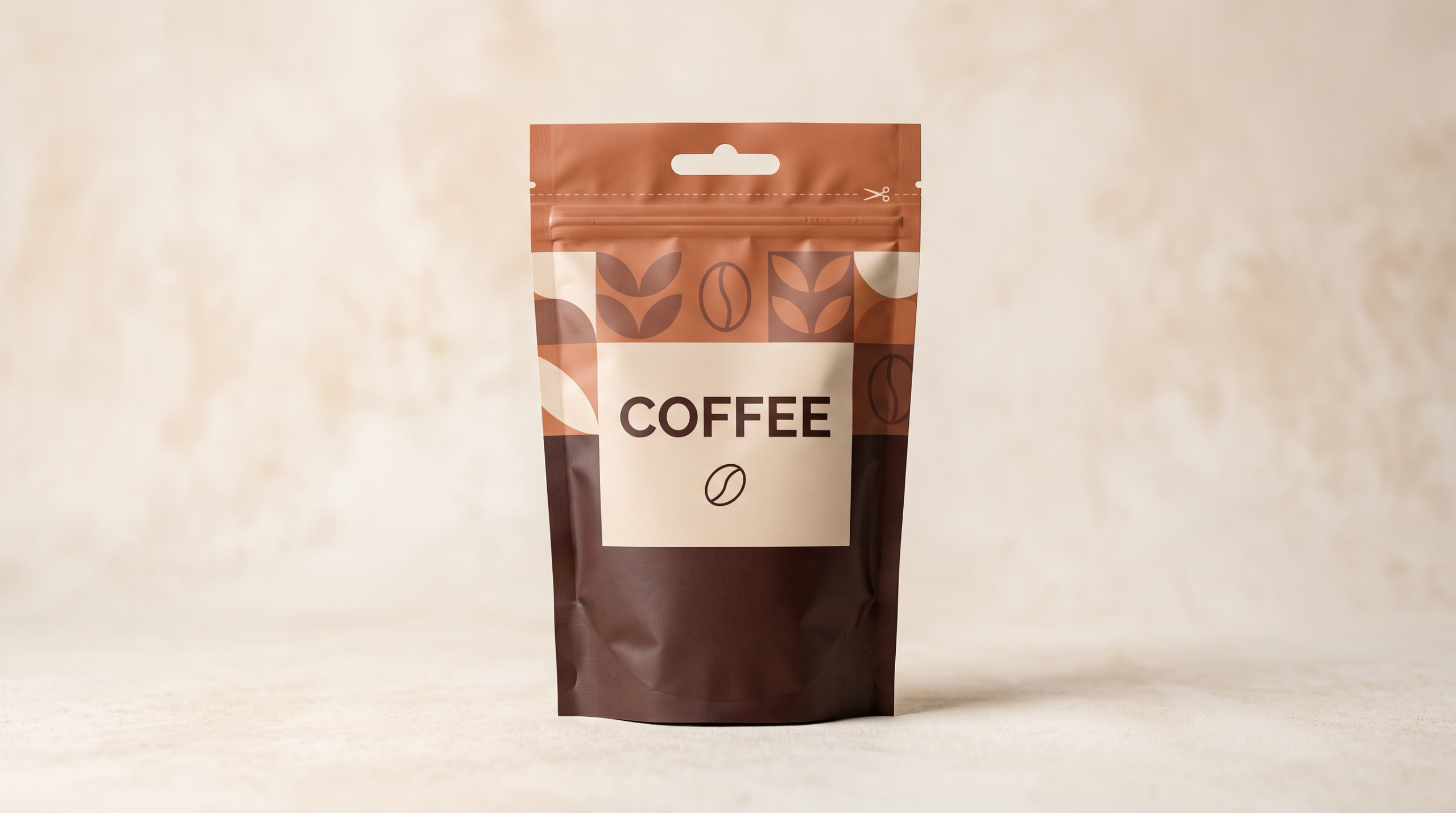
A user creates a project and uploads an image of the current pack. Palette then asks the user to check the product category, packaging format and text detected on the pack. This is a sensible place to start. A new direction should be judged against what the brand already says and what customers already recognize.
The next screen lets the user set a trend category, platform, region, country and time window. That matters for both audiences. A global brand entering a new market should not assume its current visual cues will travel unchanged. A young brand should not chase a trend simply because it looks popular elsewhere. The market and source choices need to fit the customer the pack is meant to reach.
2. Turn a direction into a brief people can correct
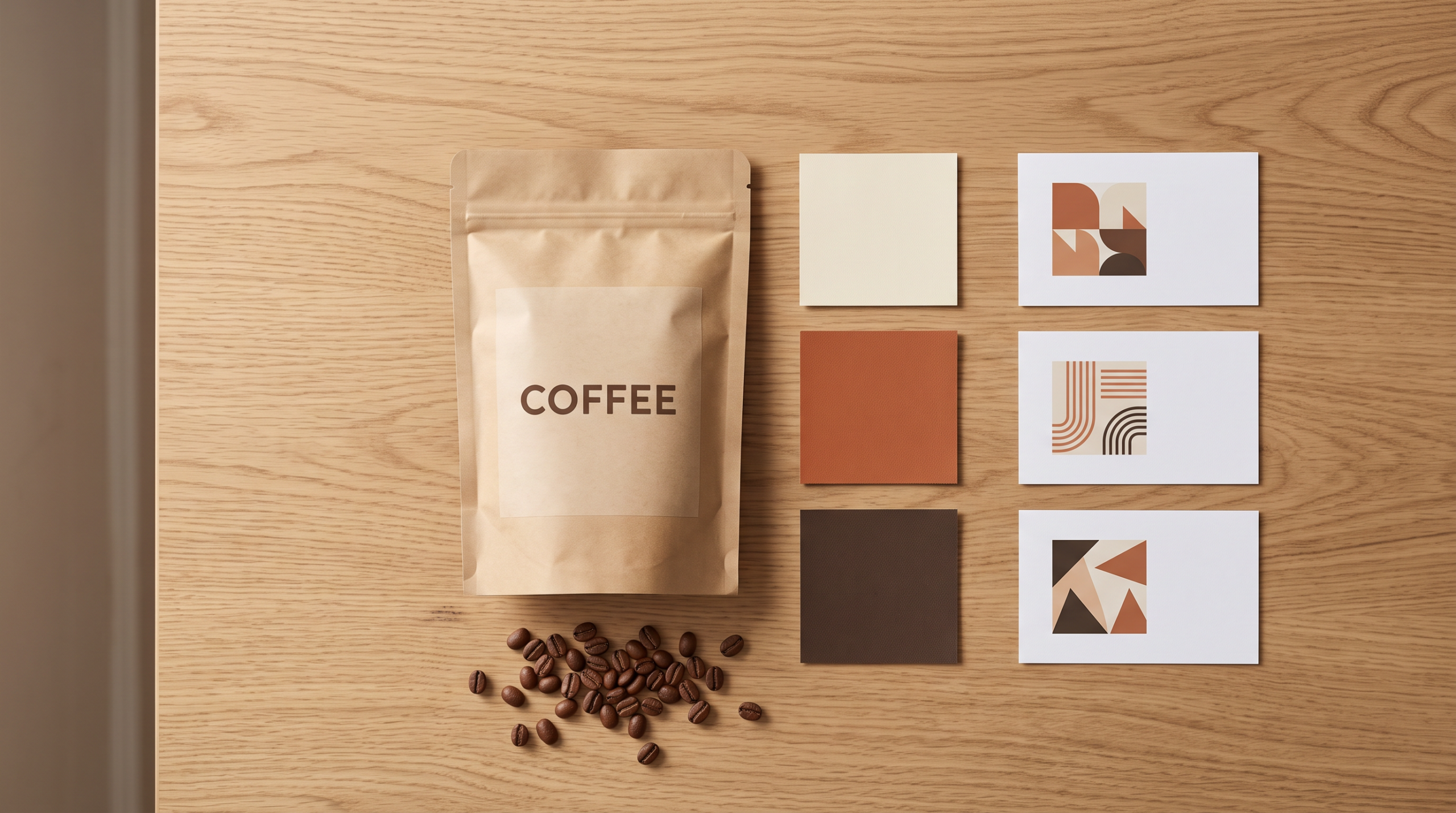
Once a direction is selected, Palette presents an AI-written brief covering the current pack, design direction, audience, colours, type and imagery. The fields can be edited. That is where an insight becomes useful to a packaging team: someone can challenge the intended audience, protect familiar brand elements and remove ideas that do not fit the product.
For a large brand, this can make an early agency brief more specific. For a small brand, it provides a structure that might otherwise be missing. In both cases, people still need to check the supporting trend evidence, product claims and brand rules.
3. Compare concepts while the idea is still cheap to change
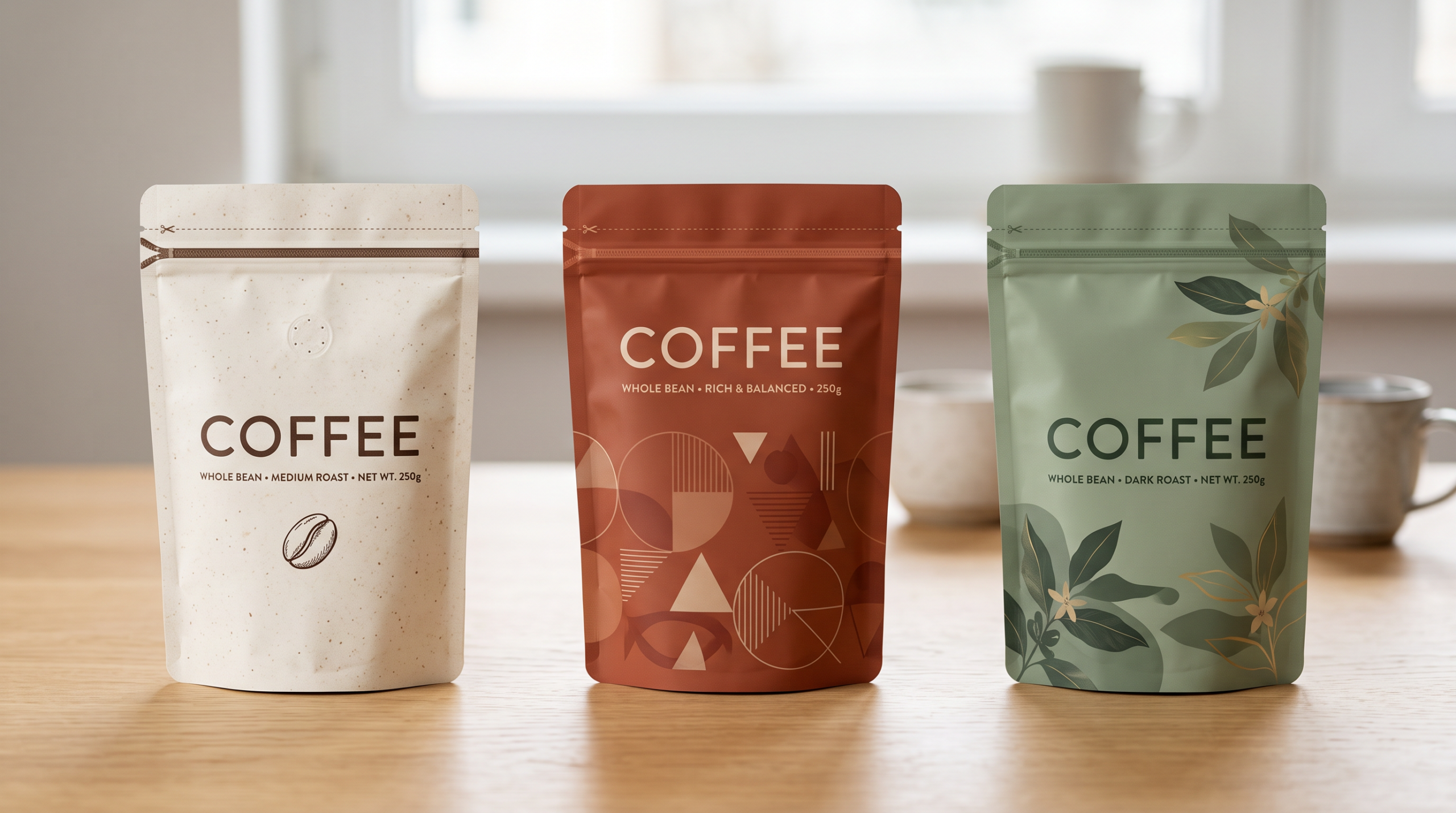
The demo then moves to packaging concepts. At the captured point, two options are visible and two more are still rendering. A reviewer can compare the visible directions with the brief: Does the product read clearly? Is the brand recognizable? Is the chosen trend doing useful work, or has it become decoration?
A chosen concept opens for closer inspection and refinement. The demo shows a larger preview and controls to adjust instructions before another render. This is the stage where teams can reject a weak direction without treating every option as a full design project.
4. Send a concept to a person who can decide
The final demo screen confirms that a design has been sent for approval. It has not been approved yet. The approver can review the direction, request changes or decide whether it is worth taking into detailed design work.
That boundary is important. A concept is not print-ready artwork. Final copy, claims, barcodes, dimensions, dielines and print specifications still need the usual specialist checks.
Three ways FMCG teams could put Palette to work
Enter a new market without guessing at local preferences
An established brand may want to take a current product into a different country or region. Palette can help the team set that target market, consider relevant trend directions and explore how the pack might change while keeping its identity. The team still has to validate local language, rules and consumer response before launch.
Give a new brand more than one first-pack idea
A growing food or beverage business may be preparing its first serious retail pack. Instead of choosing between one designer’s first sketch and a costly round of open-ended exploration, the team can use Palette to build a brief and compare early routes. A designer can then develop the strongest direction with the brand owner.
Test a variant within an established range
A mature brand may be considering a new flavour, seasonal edition or format. Palette can help explore concepts that respond to a selected market direction while the team checks whether each option still looks like part of the range. That makes it useful for early screening, not for predicting which variant will sell.
Where the cost case really sits
After a demo, a pilot on one pack could compare Palette with the current process: time to reach a reviewable concept, outside support required, and whether decision-makers can explain why the selected direction fits the market and brand.
Built at the intersection of industry expertise and AI innovation
Palette reflects QloudX’s focus on practical AI innovation for Retail and Consumer Goods. It brings together industry knowledge with cloud, data and AI engineering to address a real business challenge: connecting market exploration with early packaging concepts and human review.
See what Palette could do with your next pack
Bring one current pack and a clear business question: a new market, a first launch or a range extension. Contact QloudX to book a Palette demo. After the demo, we can discuss whether a pilot on one pack makes sense and how to measure it against your current process.
 Linkedin